Admin Settings - System Settings
TIP
Note this is for administrator use only, this is not available to the average user and requires administrator permissions to access.
This is where you can customise your subscription to best suit your business needs.
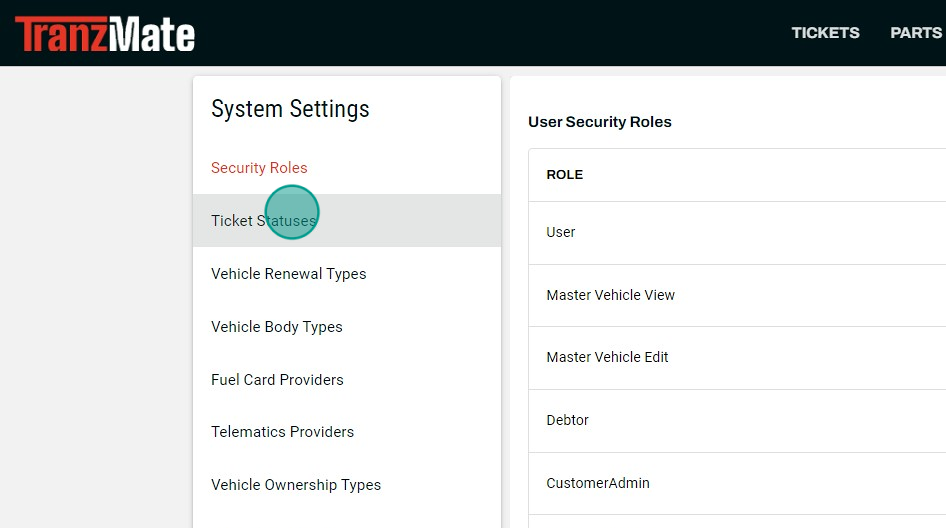
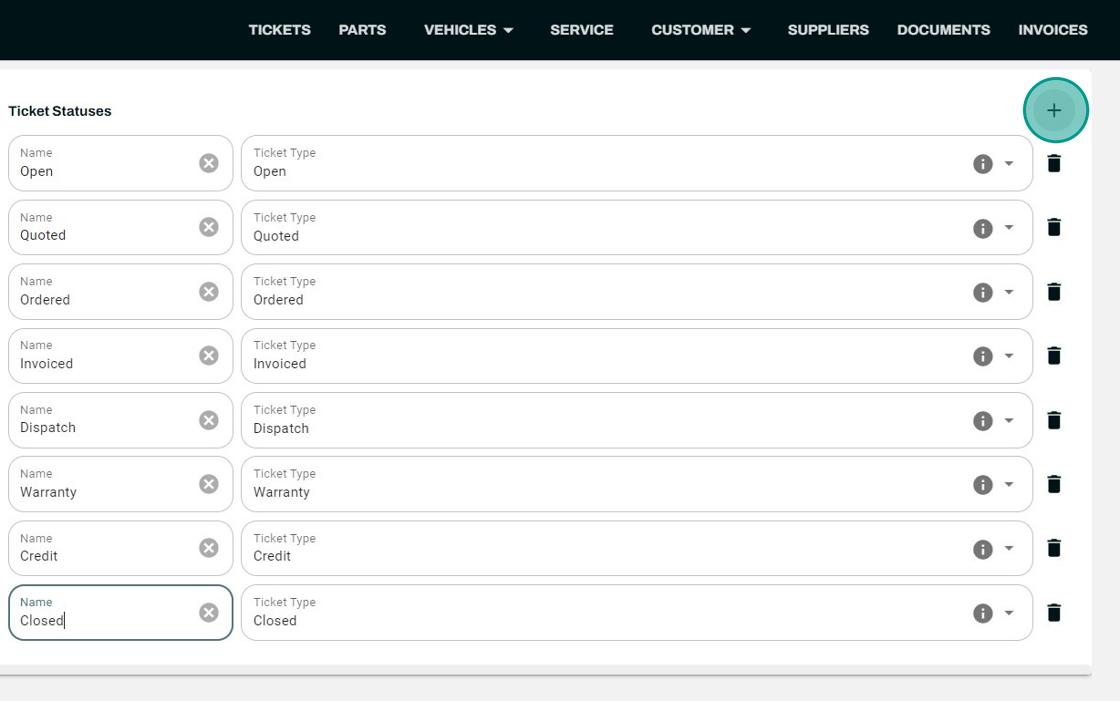
Ticket Statuses
Here you can add additional ticket types to better suit your fleet of vehicles/assets.
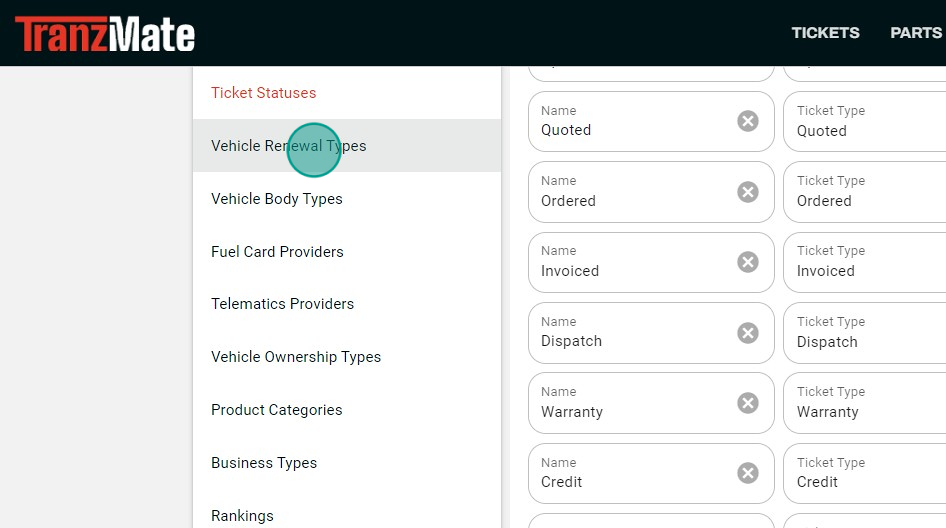
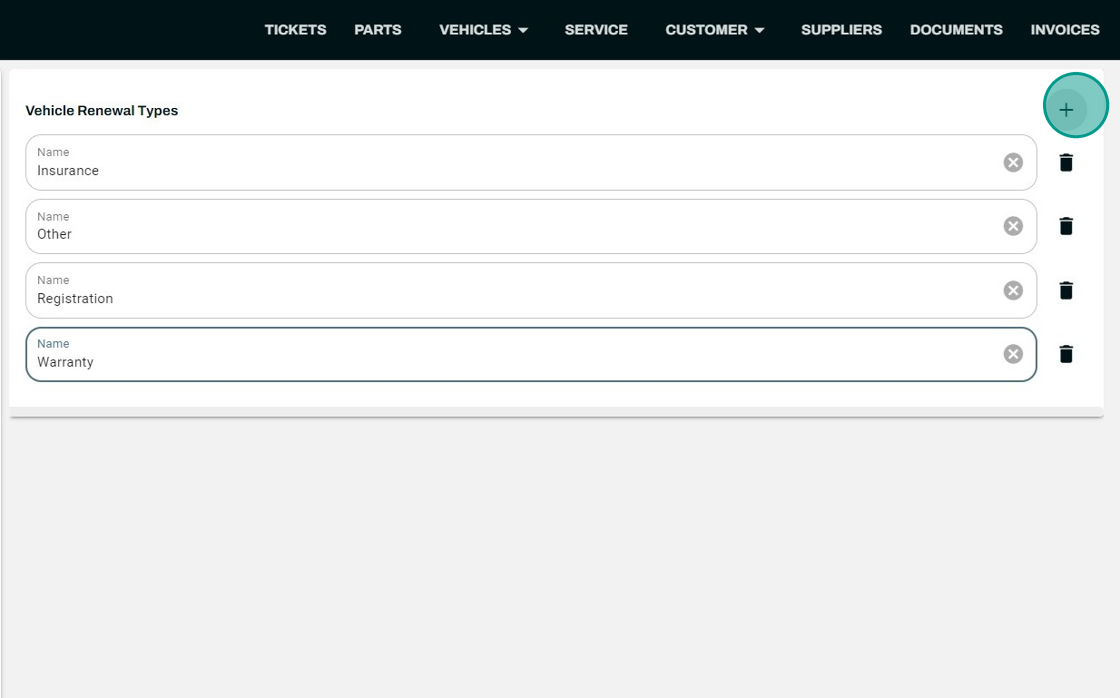
Asset Renewal Types
This allows you to add more renewal types for Industry or business.
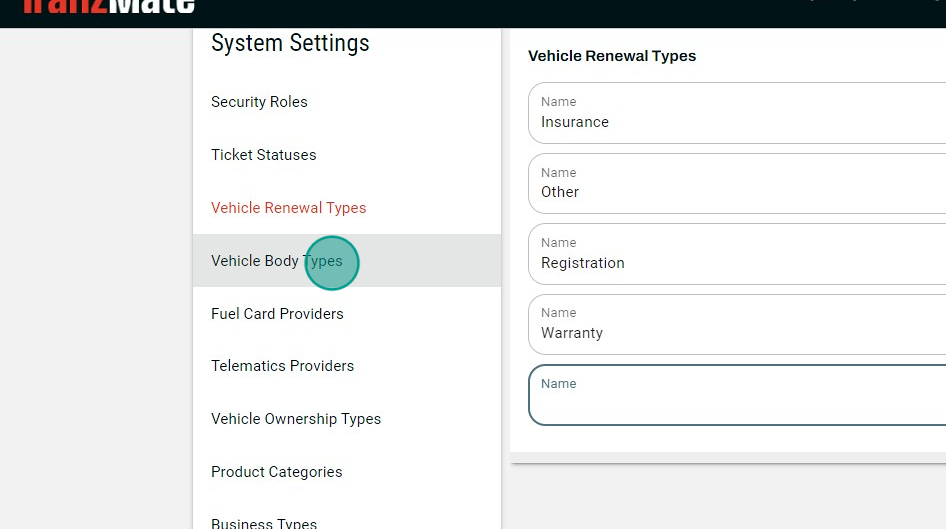
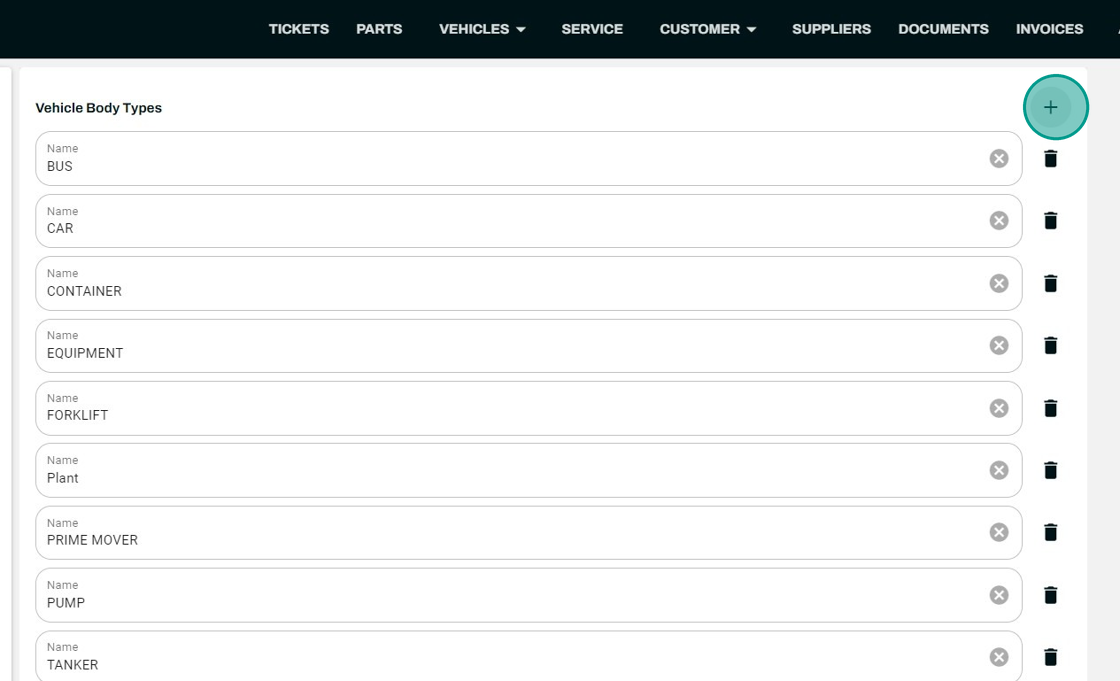
Asset Body Types
Asset body types are how we classify each type of asset to assign a pre-start to them. e.g. Car, Truck, Trailer, Ute.
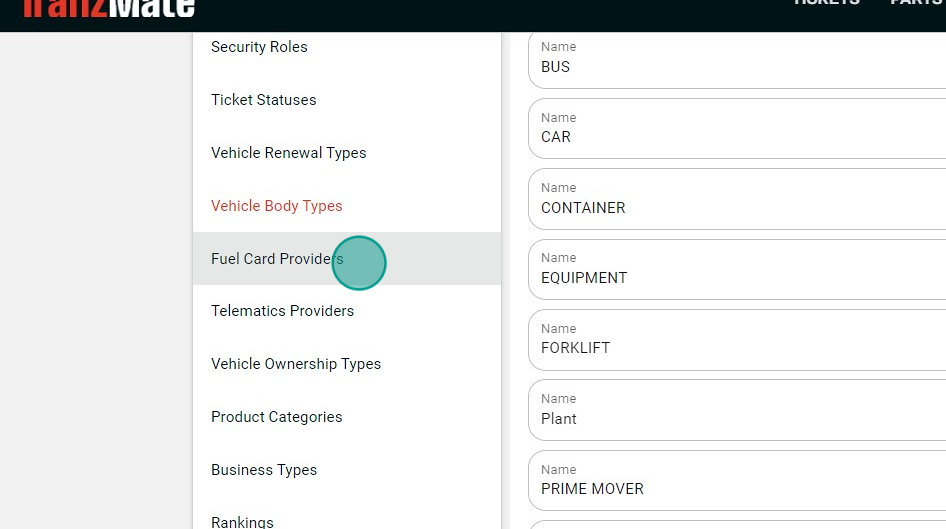
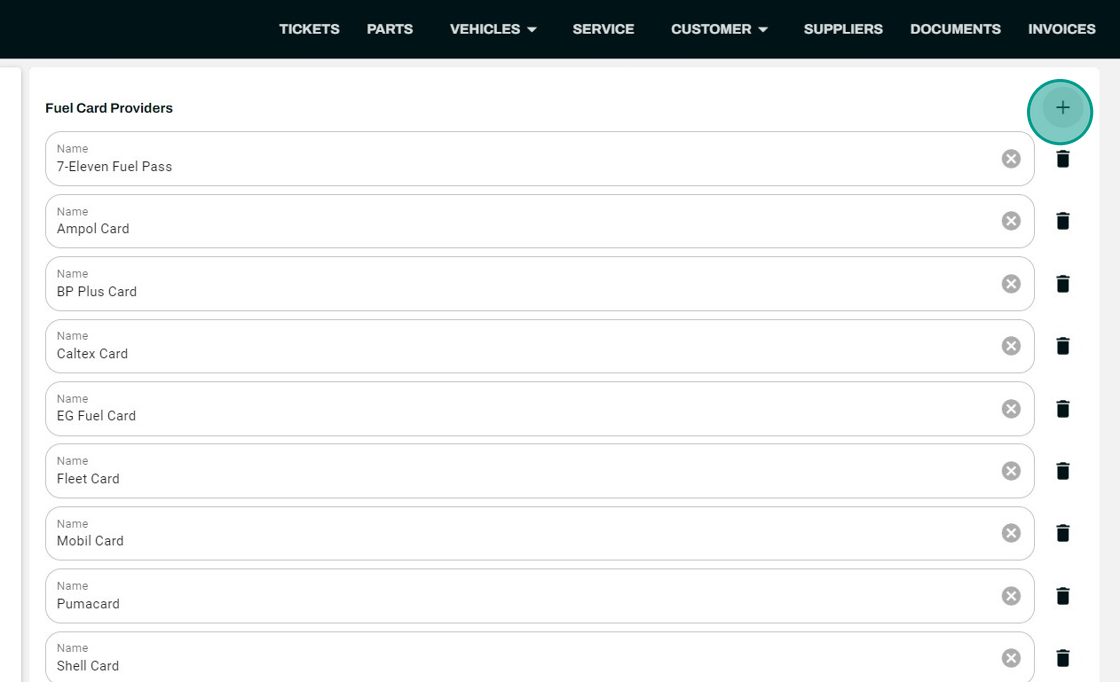
Fuel Card Providers
This allows you to list the different types of fuel cards your company uses to assign your assets with this designated fuel provider.
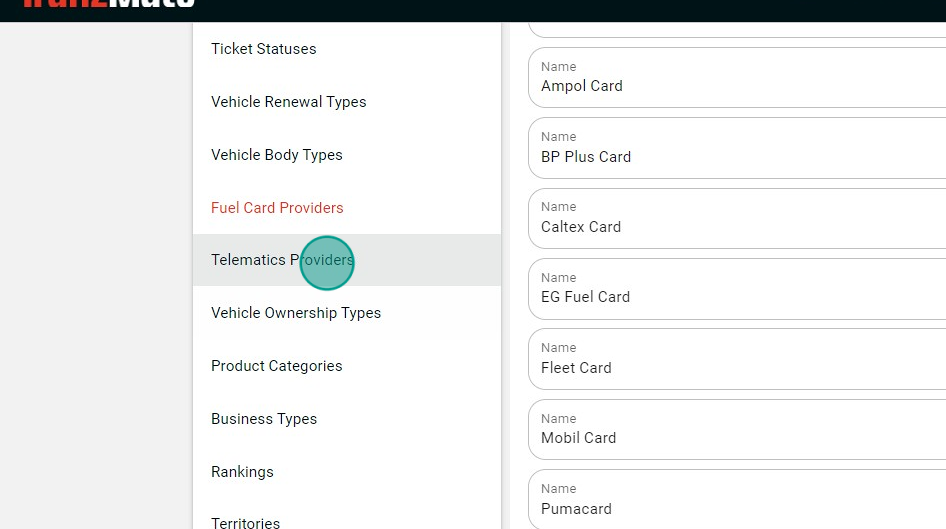
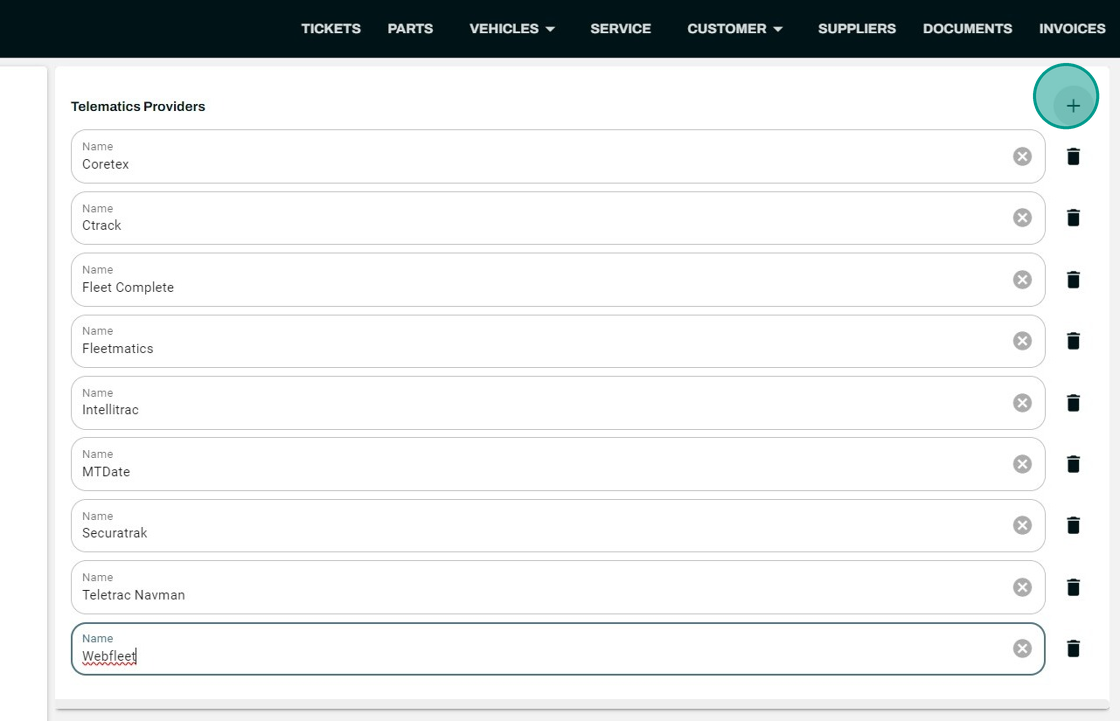
Telematics Providers
This allows you to list the different Telematics providers your company uses to assign your assets with this designated Telematics provider.
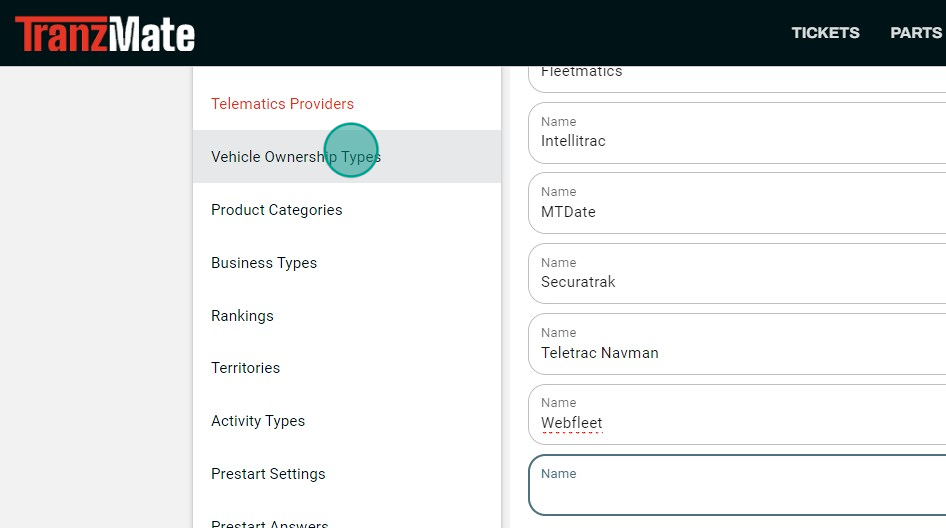
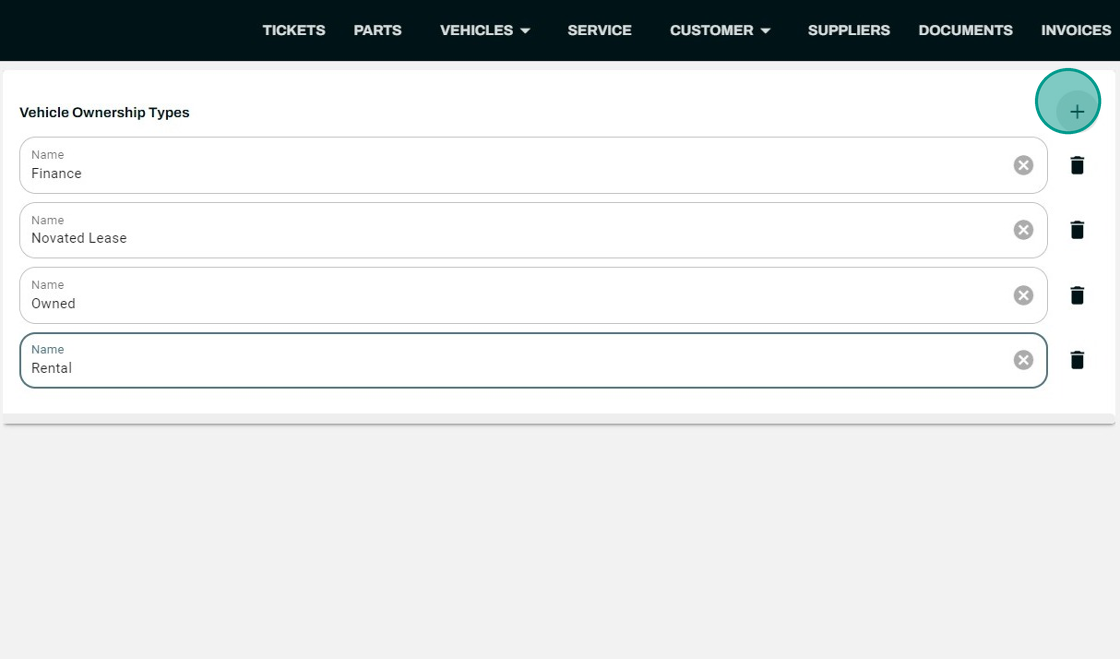
Asset Ownership Type
This allows you to classify how the asset is owned, whether that be Completely owned, purchased through a loan or leased.
Branches
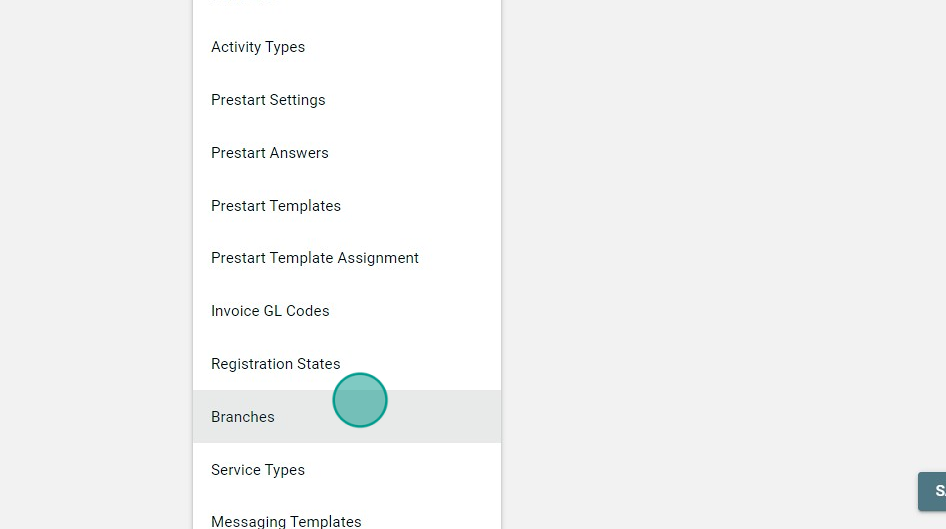
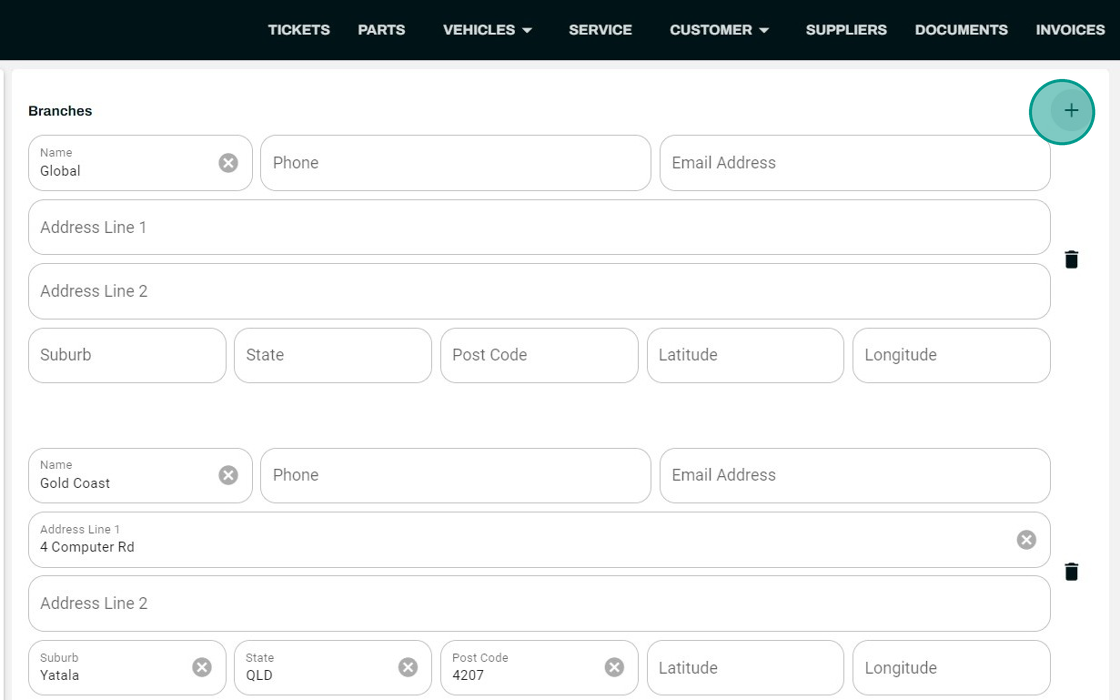
Branches - allows you to list multiple locations if your business has more than one Branch this can be physical locations such as Sydney Depot or something as vague as On-Site.
Service Types
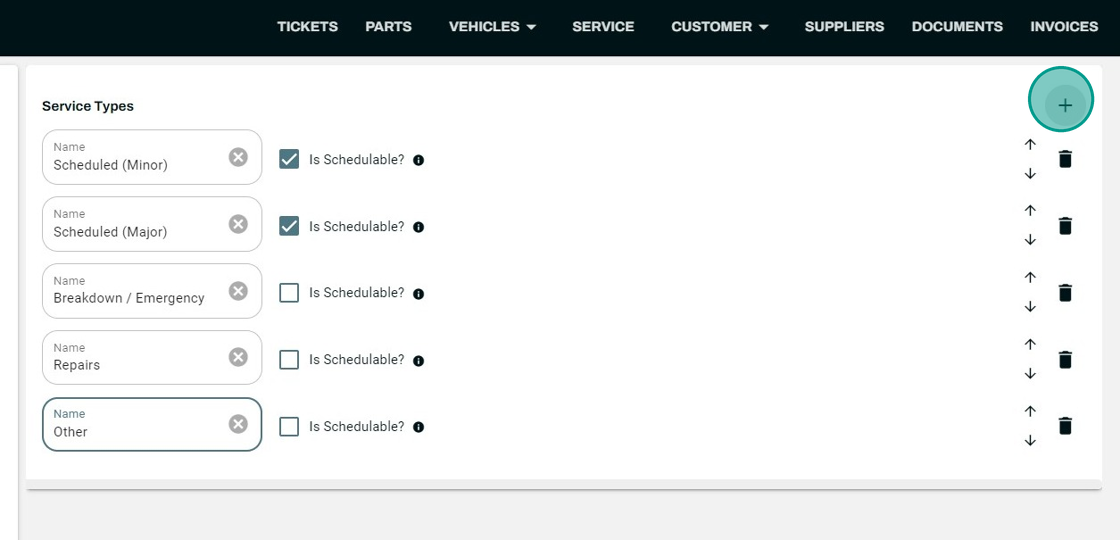
Service types come preloaded with standard types of servicing like scheduled (major or minor) breakdown and repairs.
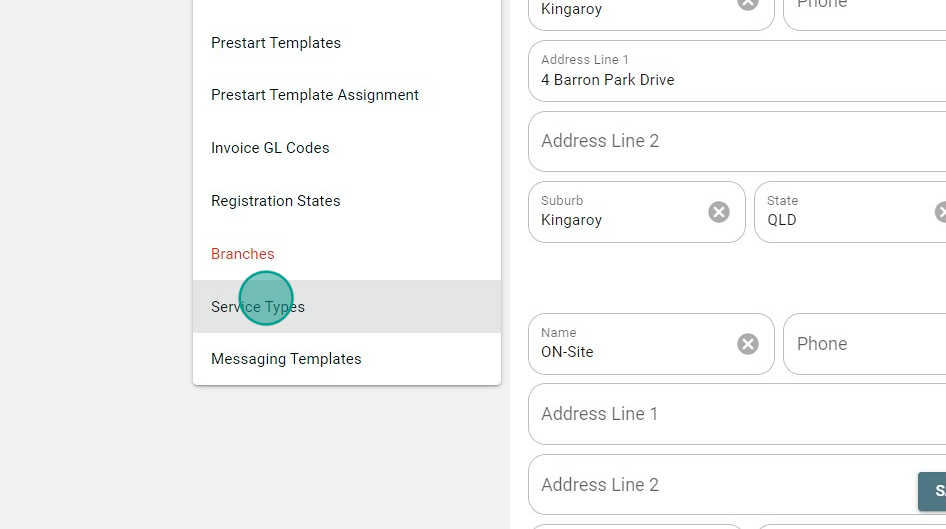
Hitting the + in the top right-hand corner allows you to create different types of services for your assets.